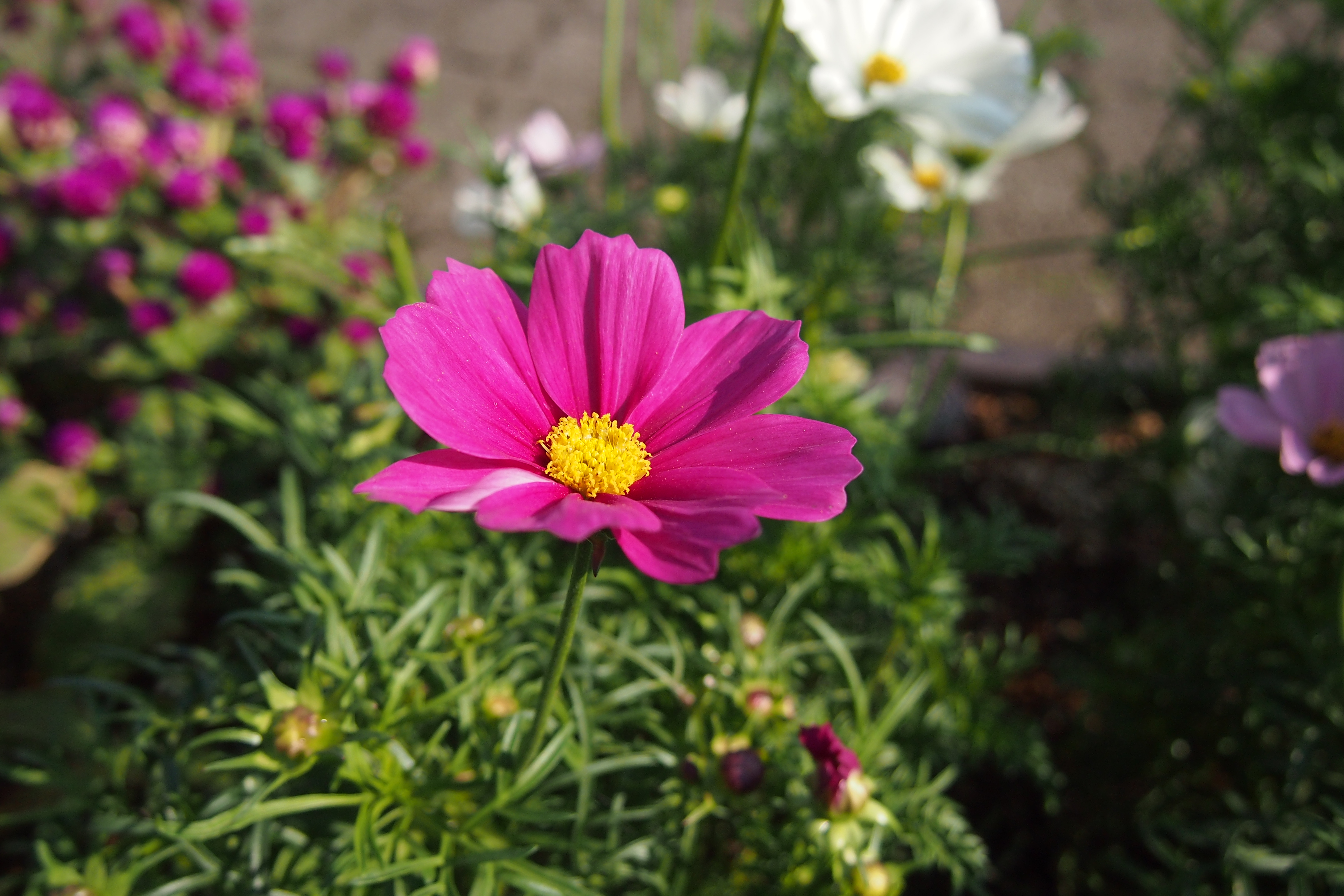
花壇に咲いていた花をパチリと。

日中散歩が出きるようになって、フォーさんもご機嫌だと思われます。
花壇に咲いていた花をパチリと。
日中散歩が出きるようになって、フォーさんもご機嫌だと思われます。

フォーさんは花火は怖いみたい。
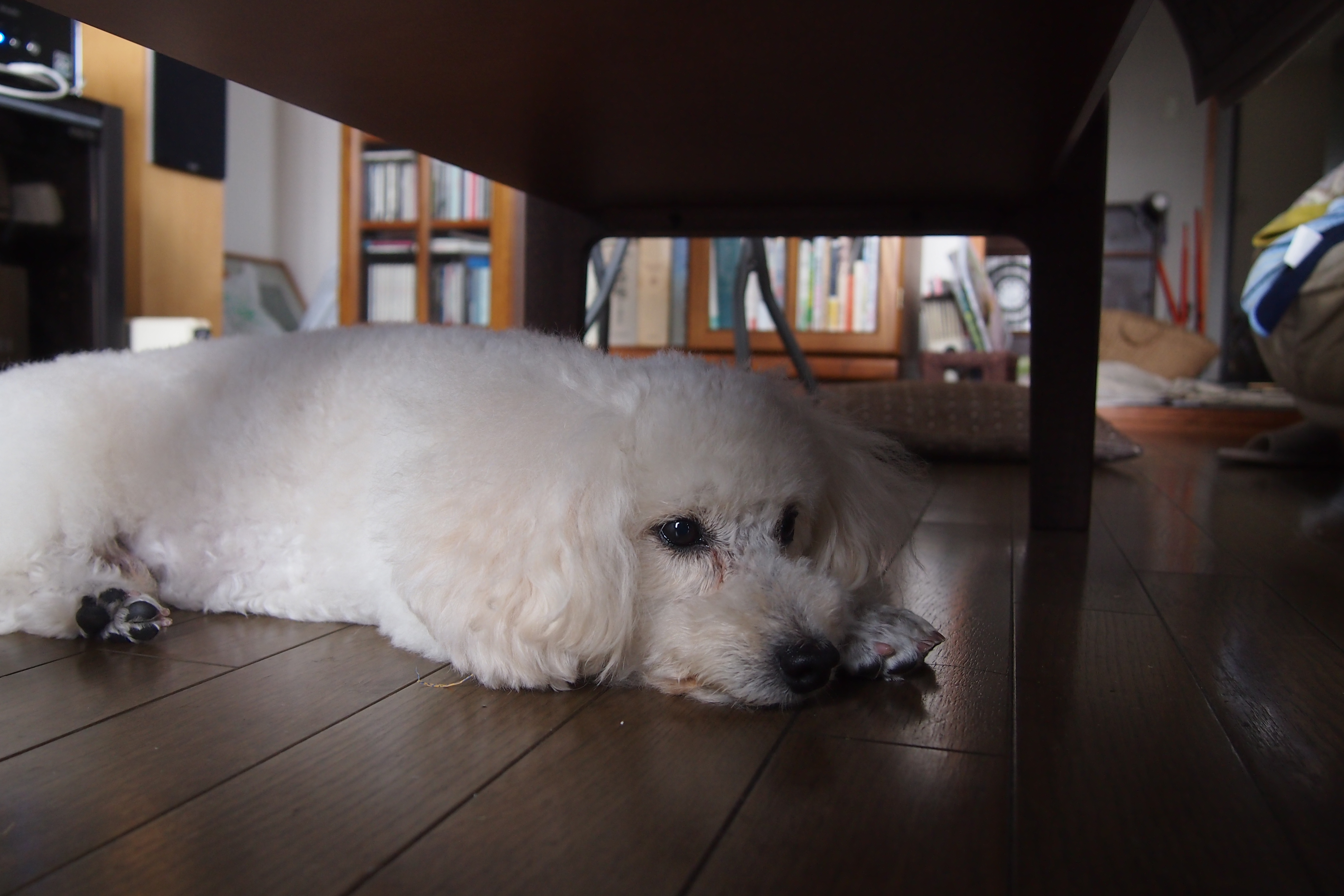
マニュアルフォーカスで撮ったフォーさん。もうすぐ花火の日がやってくる。花火はフォーカスをマニュアルにしてピントを無限遠で撮影するらしい。上手くできるかな。
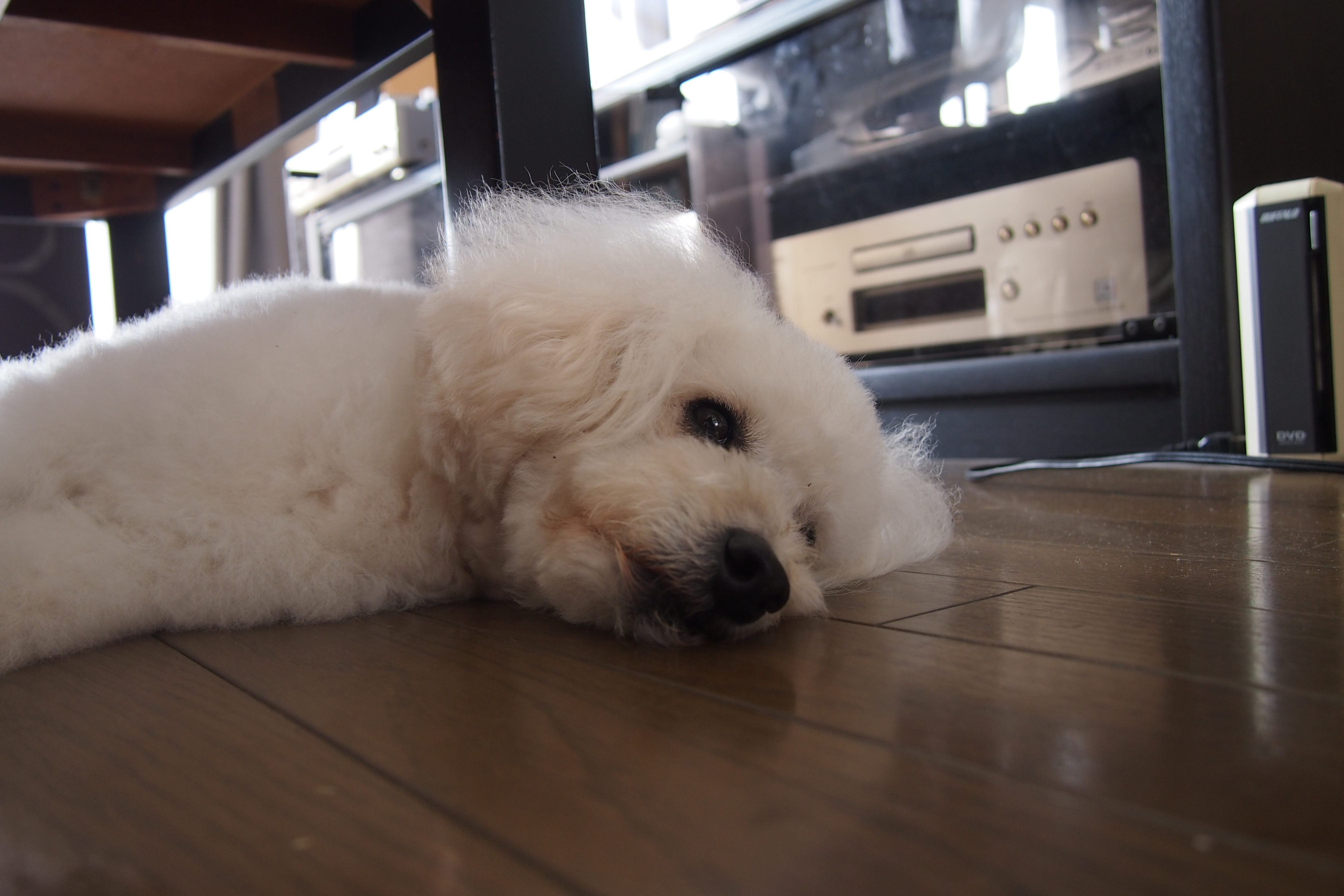
マニュアルフォーカスで撮ってみた。動くフォーさんにピントを合わせるAFは偉大だね。

フォーさんと散歩中にパチリ。例年より小ぶり?
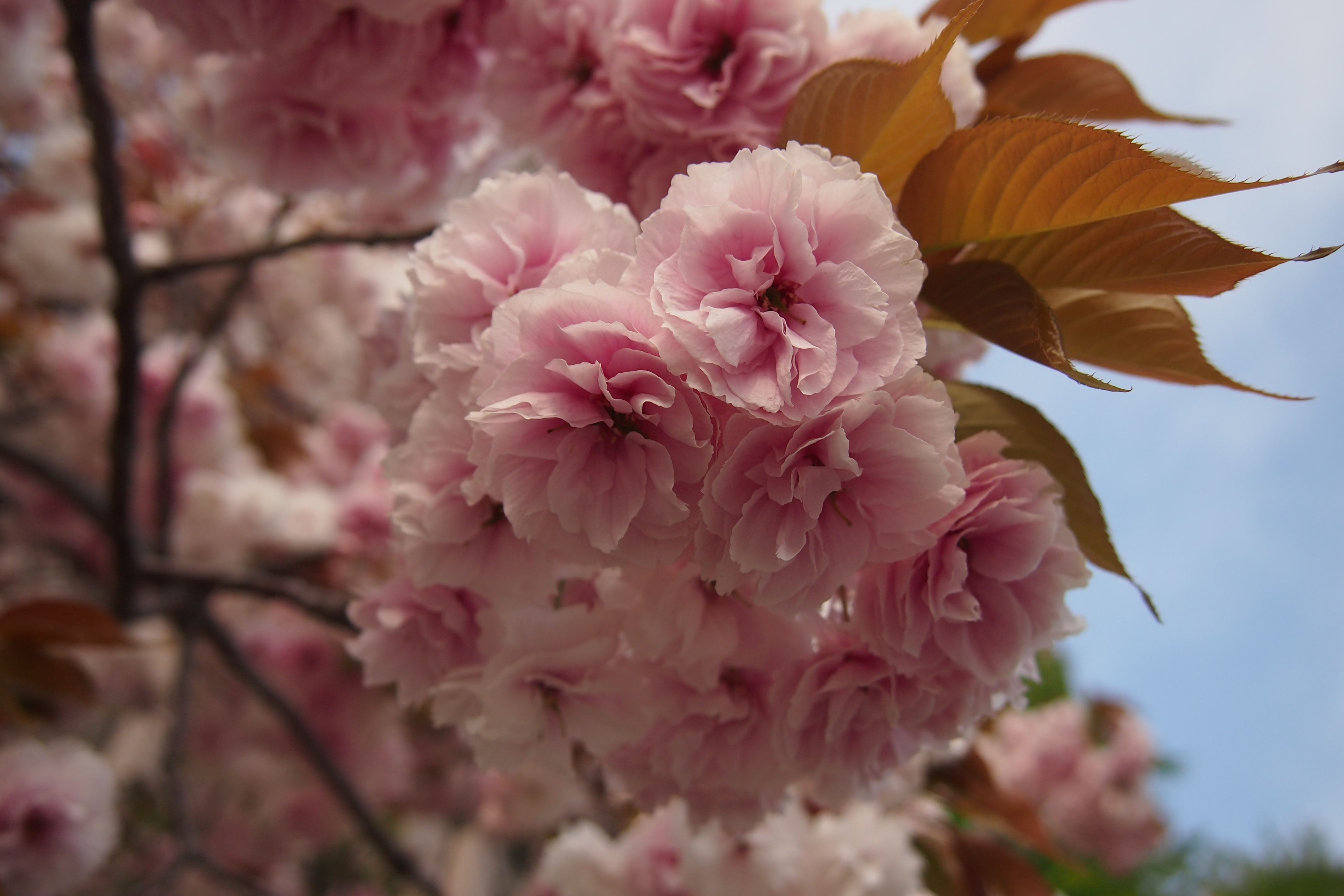
今日は肌寒い一日でした。フォーさんとお散歩中に、八重桜をパチリ。

フォーさんとお散歩中にパチリ。桃類だそうです。
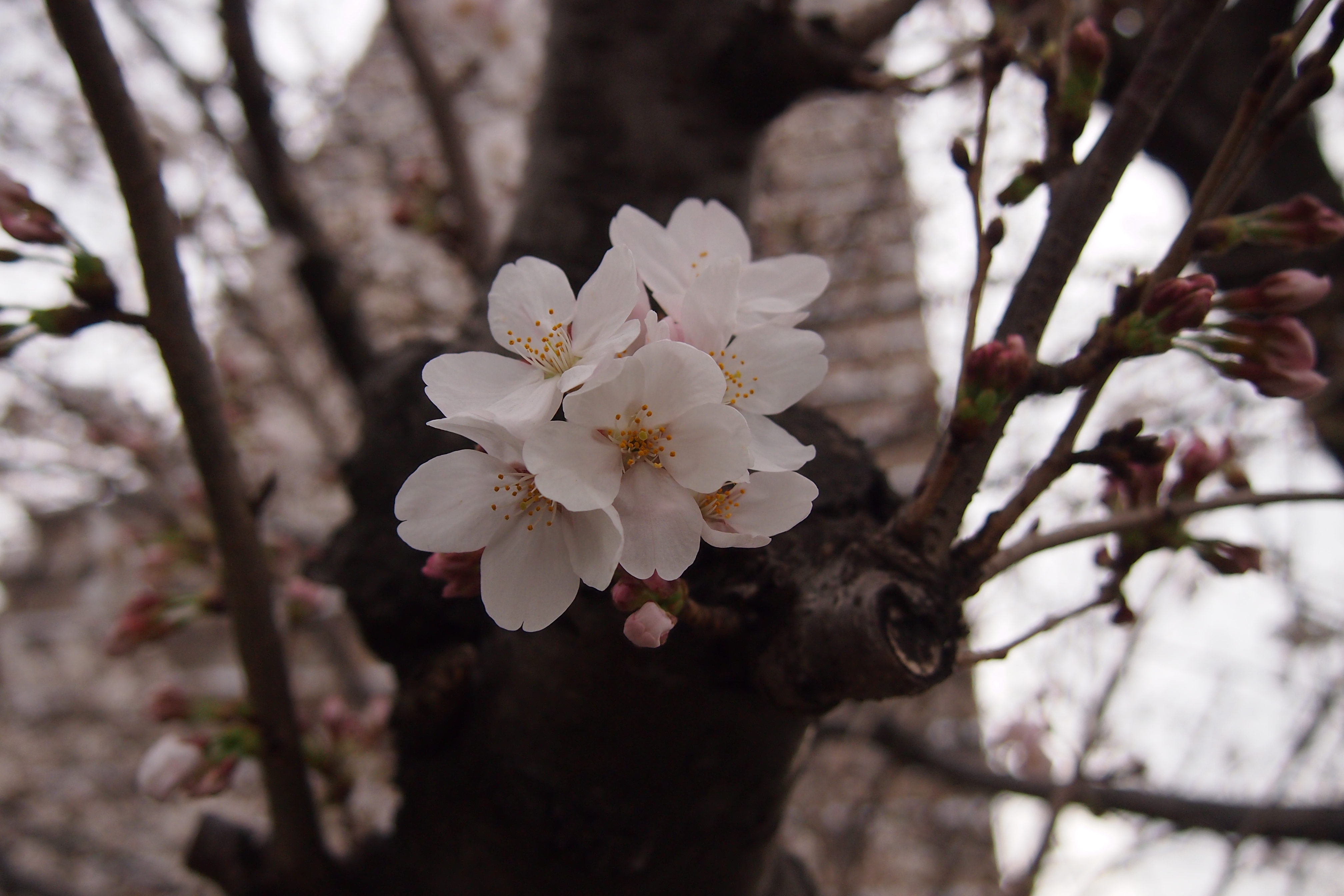
今日もフォーさんとお散歩。桜咲いてます。
端末からaplay -lを実行
aplay -l
**** ハードウェアデバイス PLAYBACK のリスト ****
カード 0: SE90PCI [ONKYO SE90PCI], デバイス 0: ICE1724 [ICE1724]
サブデバイス: 0/1
サブデバイス #0: subdevice #0
カード 0: SE90PCI [ONKYO SE90PCI], デバイス 1: ICE1724 IEC958 [ICE1724 IEC958]
サブデバイス: 1/1
サブデバイス #0: subdevice #0
mpd.conf に以下を挿入
audio_output {
type “alsa”
name “ONKYO SE90PCI”
device “hw:0,1” # optional
}
audio_output {
type “alsa”
name “ONKYO SE90PCI Analog”
device “hw:0,0” # optional
}
sampling rateはalsamixier を端末からsudoで起動して設定する。
/etc/pulse/client.conf
autospawn = no
daemon-binary = /bin/true